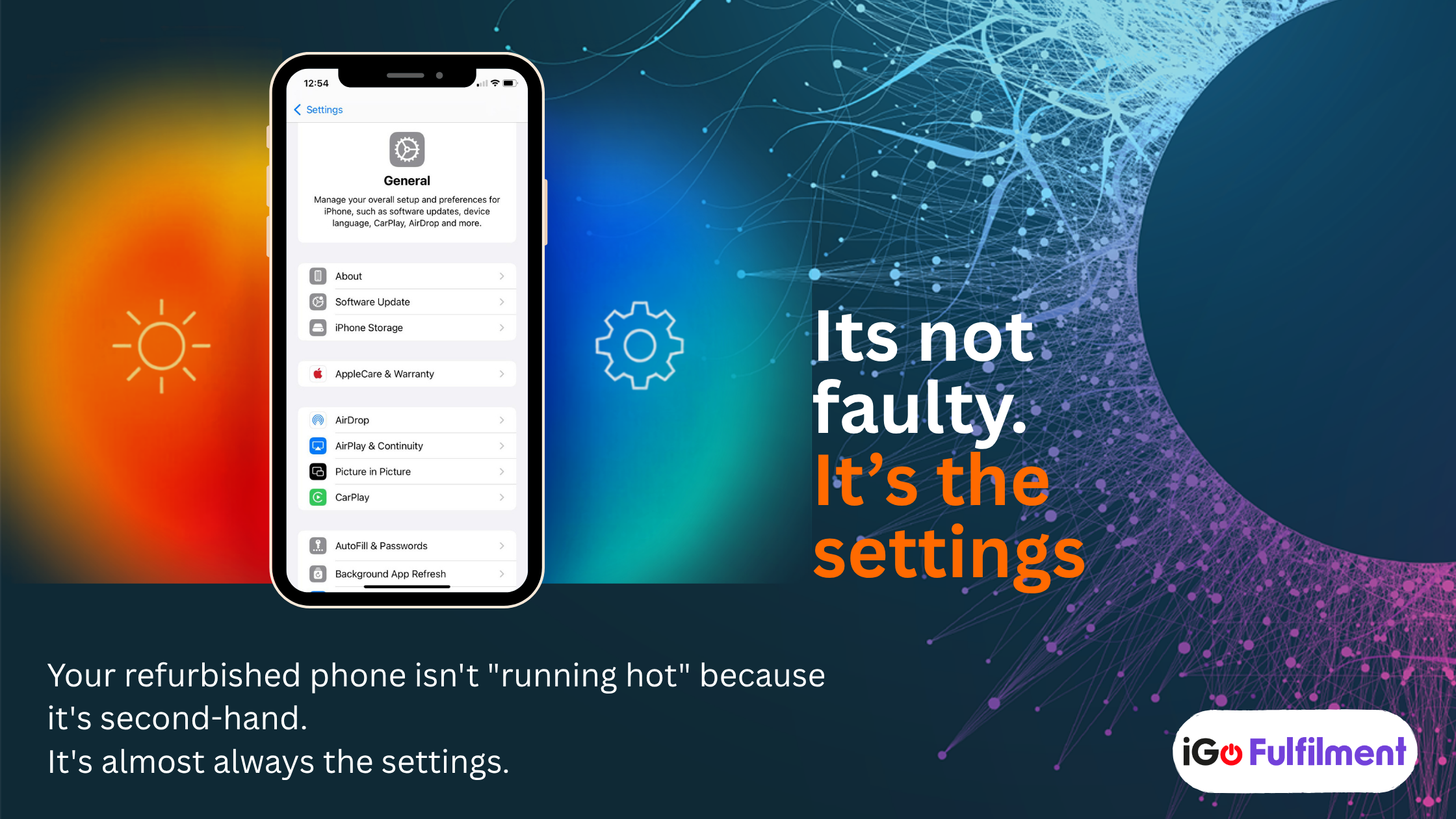
Why That “Overheating” Handset Almost Certainly Isn’t Faulty
Here’s a scenario every fleet manager knows. A device comes back from the field warm to the touch, the battery’s draining faster than it should, and someone’s already written “overheating — faulty” on the return slip like it’s the latest gossip. If that handset is refurbished, it’s like the universe is shouting, “Of course it’s hot! It’s been around the block!”
But hold your horses (and your return slips), most of the time, it isn’t the hardware at all.
Overheating is one of the most misdiagnosed problems in mobile fleets. A phone that runs hotter than a jalapeño in a sauna is almost always a phone that’s being *asked* to work too hard — by its settings, its software, or the way it’s being used — not a phone with a failing component. And when you’re buying or managing devices at scale, knowing the difference is the gap between a five-minute settings change and needlessly retiring perfectly good stock.
First, what “overheating” actually is
A smartphone generates heat every second it’s switched on. That’s normal — the processor, the modem and the battery all produce heat, and the device is engineered to dissipate it. Overheating only becomes a problem when heat is generated faster than it can escape, or when the environment stops it escaping at all.
According to our buddies at consumer-tech site WhistleOut in its guide to overheating phones, manufacturers design these pocket-sized hotplates to operate in a cosy temperature range — Apple, for example, recommends operating an iPhone between roughly 0°C and 35°C. Push a device beyond that and it throttles performance to protect itself, which is felt as sluggishness, rapid battery drain and that tell-tale warmth. Leave it on a sunny windowsill, a car dashboard or a warehouse loading bay in summer, and the environment alone will trigger it — no fault required.
The important part: that heat is a *symptom*, and the causes are overwhelmingly things you can change.
The real culprits (and the settings that fix them)
Before any device gets graded down or you decide to send any devices packing, it’s worth running through the checks below. In our experience, the vast majority of “hot” handsets can be resolved without breaking a sweat.
- Background Activity That Never Stops
Apps constantly refreshing content, syncing data, and reporting location are the single biggest cause of a phone quietly working overtime.
- iOS: Go to Settings → General → Background App Refresh and disable anything that doesn’t genuinely need it.
- Android: Check Settings → Apps and restrict background usage for the worst offenders.
On a fleet device running only a handful of business apps, this alone can dramatically improve battery life and reduce heat.
- Location Services Left Wide Open
GPS is power-hungry. An app polling precise location all day keeps both the modem and processor active.
- Set location access to “While Using” rather than “Always.”
- Disable precise location for anything that isn’t maps or delivery related.
The principle is the same across both iOS and Android.
- Screen Brightness and Auto-Lock
A display at full brightness with a long—or disabled—auto-lock timer is a constant heat source.
- Enable auto-brightness.
- Set auto-lock to 30–60 seconds.
It’s a small change, but the impact is measurable.
- Outdated Software
Skipped OS and app updates are a common, invisible cause of overheating. Updates often include fixes for runaway processes that drain battery and generate heat.
Keeping devices on current software (e.g. latest iOS and Android builds at the time of writing) is one of the simplest and most cost-effective reliability wins.
- Weak Signal
A phone struggling to maintain signal will continuously boost radio power to stay connected—generating heat in the process.
If a device only runs hot in a known dead spot, it’s not faulty—it’s reacting to the environment.
- Charging Habits and Cases
Using a device heavily while charging—especially with a thick case or a low-quality third-party charger—stacks multiple heat sources together.
For fleets, standardising on quality chargers and removing bulky cases during charging can quietly eliminate a whole category of overheating complaints.
And one thing *not* to do
When a device does get genuinely hot, the instinct is to cool it down as quickly as possible. Don’t.
As WhistleOut puts it bluntly: “Overheating is temporary, but water damage is forever.”
Never put a phone in a fridge, freezer, or under cold water—even if it’s IP68-rated or marketed as water-resistant. Rapid temperature changes can cause condensation inside the device, leading to permanent damage that heat alone would never cause.
The safe fix is simple—and effective:
- Power the device down
- Remove the case
- Move it out of direct sunlight
- Let it cool naturally at room temperature
It’s not dramatic, but it works—and it avoids turning a temporary issue into a permanent one.
Why this matters when you’re buying at scale
Every device wrongly written off as “overheating” is stock retired too early, a warranty claim that didn’t need to happen, and cost that didn’t need to be spent.
For anyone buying refurbished phones and tablets in volume—whether for a workforce, resale, or insurance replacement—the takeaway is simple: a hot device is usually a configured device, not a broken one. More often than not, the fix sits in the settings menu, not the hardware.
That’s exactly why grading and configuration matter so much in refurbishment. A device that’s been properly refurbished, tested, and delivered in a known-good state gives you a clean baseline. So when something does run hot, you can be confident it’s a setting to adjust—not silicon to replace.
At iGO, that’s the standard we build to. Every device we distribute is graded, tested, and—where required—pre-configured and IMEI-tracked before it ships, with a 12-month warranty as standard. The result is a fleet that starts life running cool, stable, and predictable.
If you’re sourcing refurbished phones and tablets at scale, you can explore iGO Fulfilment or contact us directly at [email protected]. We’re happy to help you specify the right devices, grades, and volumes for your business.
—
Have a “faulty” batch you’re not sure about? Before you write it off, run the checklist above — then get in touch at [email protected]