How to Factory Reset Your iPhone Before Selling or Trading In
According to the ICO, 14 million people in the UK do not know how to erase data from an old device. That statistic, published in December 2024, is striking enough on its own — but scale it into an organisational context and the implications become considerably more serious. If nearly a quarter of the adult population is unclear about how to wipe a personal smartphone, what does that mean for a business managing dozens or hundreds of corporate devices through a refresh cycle?
The risks run in two directions. The first is data security: an improperly wiped device carries real potential for sensitive business information, customer data, or employee records to end up in the wrong hands. The second is financial: devices sitting in storage drawers because no one is quite sure what to do with them represent recoverable value that is simply being left on the table.
This guide covers both. It walks through the full step-by-step process for factory resetting an iPhone before selling or trading in, explains what a reset does and does not remove, and sets out when — particularly for businesses — a factory reset alone is not sufficient.
Why Wiping Your iPhone Properly Matters — Before You Do Anything Else
Before getting into the how-to, it is worth being clear about why this step matters as much as it does. The consequences of getting it wrong are not simply inconvenient — in a business context, they can be legally significant.
The UK GDPR Angle
Under UK GDPR and the Data Protection Act 2018, organisations have a legal obligation to ensure that personal data is securely erased before a device is disposed of, sold, or transferred to another party. This is not optional guidance — it is a compliance requirement. The ICO explicitly advises erasing all data before selling or trading in devices, and failing to sanitise devices correctly can constitute a reportable data breach.
That risk scales directly with fleet size. A single improperly wiped handset is a vulnerability. Fifty of them, cycled out across multiple departments without a standardised process, represent an entirely different category of exposure — one that could attract regulatory scrutiny and reputational damage far in excess of the time saved by skipping a proper wipe.
The Financial Case
There is also a straightforward commercial argument. Many businesses operate two-to-four-year mobile refresh cycles, which means a steady, predictable stream of devices with meaningful residual value. When those devices sit in desk drawers — often because IT teams are uncertain about data security processes, or lack a clear route to market — the organisation absorbs both the cost of new hardware and the loss of the return that older devices could have generated. That is a double hit, and it is entirely avoidable with the right process in place.
Before You Factory Reset Your iPhone: A Pre-Reset Checklist
A factory reset is not the first step — it is the last one. Several things need to happen before you initiate the wipe, both to protect your own data and to ensure the device is genuinely clean and ready for handover.
Start with a backup. If there is anything on the device worth keeping, back it up first via iCloud (Settings > [Your Name] > iCloud > iCloud Backup > Back Up Now) or by connecting to a Mac or PC and using Finder or iTunes. Once the reset is complete, that data is gone.
Next, sign out of iCloud and your Apple ID. This is arguably the single most important preparatory step. Without it, Activation Lock remains enabled, meaning the next user cannot activate the device. Go to Settings > [Your Name] > Sign Out, and follow the prompts. You will need your Apple ID password.
Remove the SIM card before handing the device over. This is particularly relevant for corporate-issued SIMs, which should be retained, reassigned, or cancelled as appropriate.
If the device is paired with an Apple Watch, unpair it before performing the reset. Erasing the iPhone without unpairing first can cause complications.
Finally, note the IMEI number before wiping. You will find it under Settings > General > About. Recording this before the reset provides a traceable reference point for asset management, ITAD documentation, and any subsequent audit requirements.
The same checklist applies when preparing to factory reset an iPad before trading in or selling — the pre-reset steps are identical regardless of device type.
How to Factory Reset Your iPhone Step by Step
The following process applies to all modern iPhones running iOS 15 and above. It is straightforward, but each step should be followed in sequence.
Step 1: Open Settings. Tap the Settings app on your home screen.
Step 2: Go to General. Scroll down and tap General near the bottom of the main Settings menu.
Step 3: Tap Transfer or Reset iPhone. This option appears at the bottom of the General menu. On older versions of iOS, it may appear simply as “Reset.”
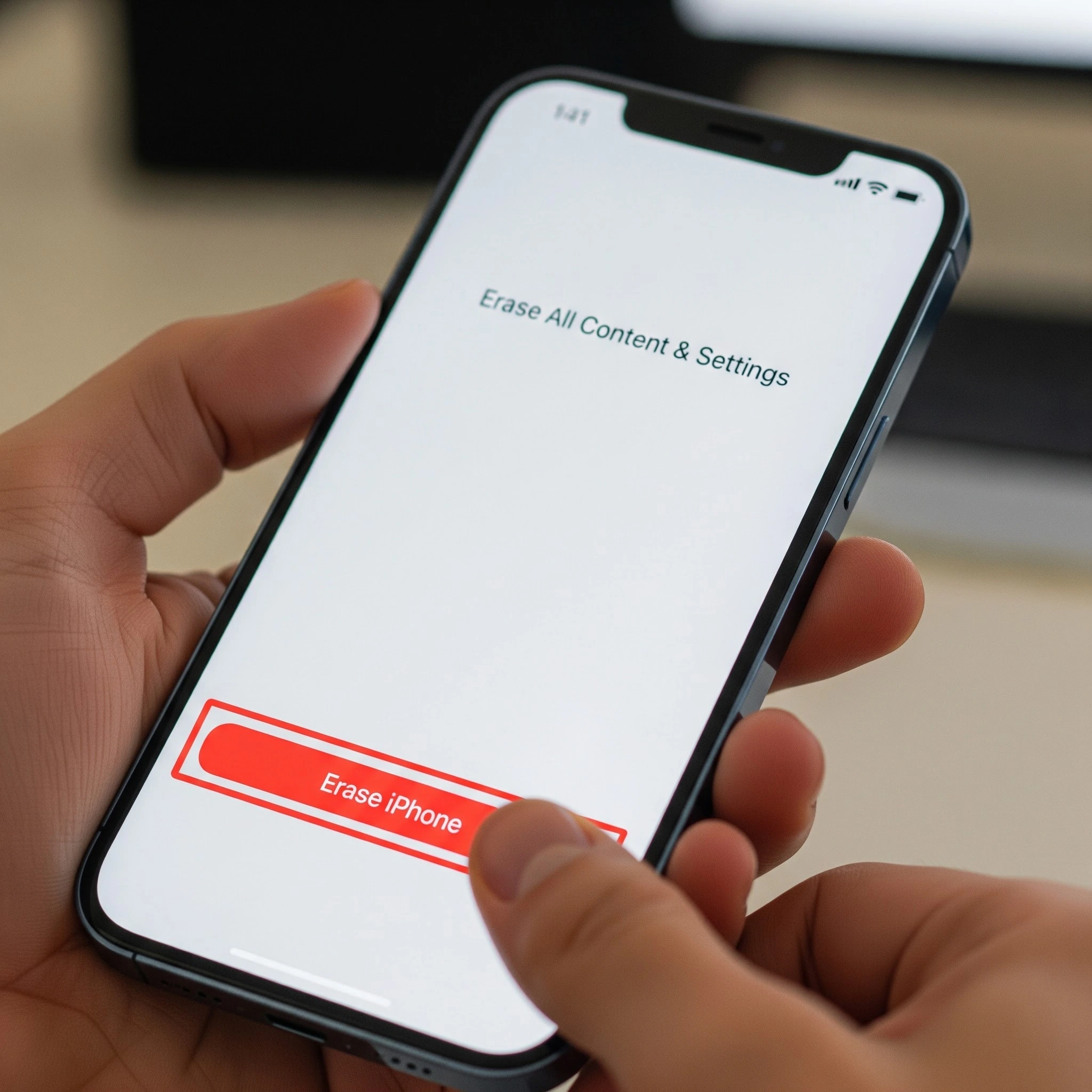
Step 4: Select Erase All Content and Settings. Tap this option. iOS will offer a prompt to back up before erasing — follow that prompt if you have not already done so.
Step 5: Enter your passcode and Apple ID password. iOS will ask you to confirm your identity. Enter your device passcode, then your Apple ID password. This step turns off Find My iPhone and disables Activation Lock, which is essential for a clean device handover.
Step 6: Confirm the erase. Tap “Erase iPhone” to confirm. The process will take a few minutes. When complete, the device will restart and display the initial setup screen — the familiar “Hello” welcome — confirming the reset has been carried out successfully.
The same process applies when learning how to factory reset an iPad. The steps in iOS and iPadOS are structurally identical; the only difference is that the relevant menu option reads “Transfer or Reset iPad” rather than iPhone.
How to Factory Reset an iPhone Remotely Using iCloud
There are scenarios — particularly in a corporate environment — where IT managers need to wipe a device that is no longer physically accessible. This might be a device that has been left at a remote site, reported as lost, or not yet returned by a former employee.
In these situations, a remote wipe can be initiated via iCloud. Sign into icloud.com, navigate to Find My, select the relevant device from the list, and choose “Erase This Device.” The device must be connected to mobile data or Wi-Fi for the command to execute immediately. If it is offline at the time, the erase instruction will trigger automatically the next time it connects to a network.
This method does deregister the device from the Apple ID. However, it is important to understand that a remote iCloud wipe is not a substitute for a certified ITAD erasure process when compliance documentation is required. It leaves no audit trail and provides no certificate of destruction — both of which are required for formal GDPR accountability in a business context.
What Does a Factory Reset Actually Delete?
This is where a common misconception needs addressing directly. Many businesses treat a factory reset as equivalent to complete, unrecoverable data destruction. The reality is more nuanced, and understanding the distinction matters.
What It Does Remove
A factory reset carried out via “Erase All Content and Settings” removes personal data, photos, messages, apps, and accounts stored on the device. It also removes configuration profiles and, depending on the MDM setup, enrolment data — and it disables Activation Lock by removing the Apple ID association. The ICO confirms that a factory reset via device settings will remove most personal data from smartphones.
The Limits of a Factory Reset
The key word in the ICO’s guidance is “most.” The NCSC acknowledges that highly skilled actors using specialist forensic tools may still be able to recover residual data, particularly on unencrypted or older devices. For the majority of use cases, a factory reset is adequate. But for organisations operating in regulated sectors, handling sensitive client data, or managing devices that have carried confidential information, it is not the end of the story.
There is also a compliance dimension that a factory reset simply cannot address: it produces no audit trail, no certificate of destruction, and no documentation that can satisfy a GDPR accountability requirement or stand up to scrutiny in an internal IT audit.
When a Factory Reset Isn’t Enough — Corporate Data Security Considerations
For individual users preparing a personal device for sale, a thorough factory reset following the steps above is generally sufficient. For businesses, the picture is different.
The Compliance Gap
UK GDPR’s accountability principle requires organisations not just to erase data, but to be able to demonstrate that they have done so. A manual factory reset cannot provide that evidence. Industry standards such as ADISA, NIST-aligned processes, and ISO-compliant data destruction frameworks are increasingly expected by legal, compliance, and procurement teams as part of formal device offboarding procedures. These are not niche requirements — they are becoming standard expectations across sectors handling any volume of personal or commercially sensitive data.
The Scale Problem
For any business managing ten, fifty, or five hundred devices through a refresh cycle, manually performing and individually documenting factory resets across the entire fleet creates significant operational burden — and meaningful compliance risk. Inconsistent procedures across teams, sites, or departments introduce gaps that are difficult to audit and harder to defend.
Certified ITAD as the Standard for Businesses
Certified IT Asset Disposal (ITAD) providers exist precisely to address this gap. A reputable ITAD provider delivers forensic-grade data erasure that goes beyond a factory reset, a Certificate of Destruction for each device, a full audit trail for GDPR accountability, and responsible handling aligned with UK WEEE regulations.
For UK businesses looking to trade in corporate iPhones and iPads at scale, iGo Trade In provides certified GDPR-compliant data destruction, a Certificate of Destruction per device, flexible collection logistics — whether that is a dedicated van for larger fleets or pre-paid courier boxes for smaller batches — and payment within 14 days. The process removes both the compliance burden and the operational complexity of managing device retirement in-house, replacing an ad hoc internal process with a documented, auditable one.
The Environmental Case: Why Secure Trade-In Matters for ESG
Data security and sustainability are not separate concerns — they are linked by the same decision: what happens to a device when it leaves your organisation.
The UK generates among the highest volumes of e-waste per capita globally, at approximately 23.9 kg per person. UK WEEE collections reached around 496,000 tonnes in 2024, according to Material Focus — and yet globally, only around 22% of e-waste is formally recycled, according to the UN and ITU. A significant proportion of devices never enter formal recycling or reuse streams at all. Many simply accumulate in office storage, representing both an unresolved compliance risk and a lost opportunity.
Research published in Nature in 2025 found that second-hand smartphone use can reduce annual carbon footprint by approximately 34% and displace the production of new devices. Put simply, a securely wiped iPhone that re-enters the secondary market is a carbon asset — not just a piece of redundant hardware.
For businesses with ESG reporting obligations, particularly those operating under GRI or CDP frameworks, that matters. Trade-in programmes that include quantified carbon savings and e-waste diversion metrics provide data that can be used directly in sustainability disclosures. iGo Trade In includes an ESG impact report with every trade-in, giving organisations the metrics they need without any additional administrative overhead.
Factory Reset Your iPhone or iPad — Quick Reference Summary
For anyone returning to this page as a working reference, here is the full process in brief:
- Back up data via iCloud or Finder/iTunes
- Sign out of Apple ID (Settings > [Your Name] > Sign Out)
- Remove the SIM card
- Navigate to Settings > General > Transfer or Reset iPhone > Erase All Content and Settings
- Confirm with your device passcode and Apple ID password
- Record the IMEI (Settings > General > About) before returning or trading in
The same steps apply when factory resetting an iPad. For business device fleets, a certified ITAD process should replace or supplement this manual approach to ensure full compliance and auditability.
Conclusion
A factory reset is the essential first step before selling or trading in an iPhone or iPad — and when done correctly, following the full pre-reset checklist, it protects your data and ensures a clean handover. For individual users, that is often sufficient. For businesses, it is the starting point of a longer process.
If you are managing a corporate device fleet, a manual factory reset does not satisfy GDPR accountability requirements, does not produce the documentation needed for an IT audit, and does not deliver the ESG metrics that sustainability reporting increasingly demands. A certified trade-in process addresses all three — and converts a compliance task into a financial and environmental return.
Ready to retire your corporate iPhones or tablets properly? Visit igotradein.co.uk to get an instant valuation, arrange collection, and receive certified data destruction, a Certificate of Destruction, and an ESG impact report — all included as standard.