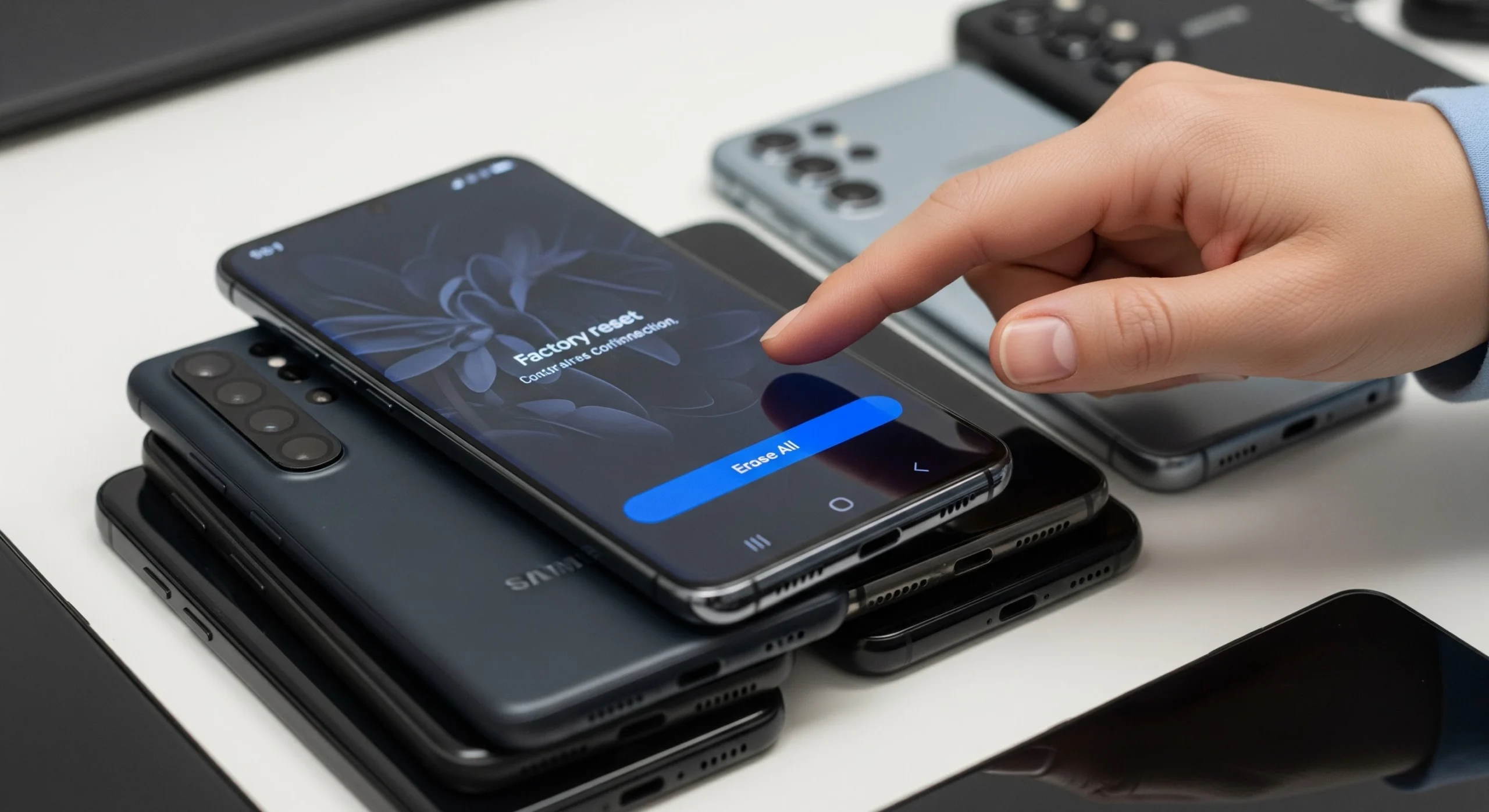
How to Factory Reset Samsung & Android Devices
UK businesses are sitting on more retired devices than ever. Whether you are mid-way through a fleet refresh, decommissioning an office, or simply upgrading a team’s handsets, the question of how to prepare those devices for trade-in rarely gets the attention it deserves. The UK generates around 24 kg of e-waste per person — among the highest figures globally — and a significant proportion of that stems from devices gathering dust in drawers rather than re-entering the circular economy. The financial cost of inaction is just as real: with average device ownership now stretching to around 4.1 years in the UK, every month a device sits idle is a month of residual value quietly disappearing.
Preparing devices properly before trade-in is not simply a housekeeping task. It sits at the intersection of data security, GDPR compliance, and commercial asset recovery. This guide walks through exactly how to factory reset Samsung and Android devices ahead of a corporate trade-in — including what a reset actually does from a data security standpoint, where its limitations lie, and when your organisation needs to go further.
Why Businesses Need to Reset Devices Before Trade-In
A device that has not been properly prepared before trade-in creates problems at every level — legal, financial, and operational. Understanding the three core drivers helps make the case internally for investing the time to get this right.
Data Security and GDPR Obligations
Under UK GDPR Articles 5 and 32, organisations are required to implement appropriate technical measures to ensure the integrity and confidentiality of personal data. This obligation does not end when a device is retired — it extends to how that device is disposed of or transferred. The ICO’s position is clear: personal data must be irreversibly destroyed or anonymised before devices leave organisational control. This applies to every device in a fleet, not only those used by employees with access to obviously sensitive data. In practice, a CRM app left on a handset, a cached email, or a stored contact list can all constitute personal data under UK GDPR.
Protecting the Resale Value of Your Devices
A properly reset device is a tradeable asset. A device left with active Google or Samsung account credentials, an unresolved MDM enrolment, or a Factory Reset Protection lock is often worth significantly less — or nothing at all. Trade-in platforms will either reject locked devices outright or apply steep deductions to account for the remediation required. Getting this step right before submission protects the valuation you receive and ensures the process moves smoothly.
Preparing for a Smooth Trade-In Process
Beyond compliance, proper device preparation reduces operational friction. When devices arrive at a trade-in facility already reset, unlocked, and account-free, assessments are faster, valuations are more consistent, and payment timelines are shorter. For teams managing 50 or more devices at a time, the difference between a prepared and unprepared fleet can mean weeks of delay — and considerable administrative overhead.
What a Factory Reset Actually Does — and What It Doesn’t
This is the section most guides skip, and it is arguably the most important one for any IT or compliance team to understand.
What Gets Removed in a Factory Reset
A standard factory reset removes user-installed applications, account configurations, settings, and the majority of personal data by wiping the device’s data partition. From a functional standpoint, the device is returned to its out-of-box state — ready for the initial setup process. In an enterprise context, Microsoft’s definition of a full device wipe reflects this: all data, apps, and personal information are deleted and the device is restored to factory defaults.
What May Still Remain After a Factory Reset
Here is the critical caveat, and it comes directly from UK government guidance: a standard Android factory reset is not considered a secure erase. Data may still be recoverable using forensic tools. The reason is straightforward — the reset process only alters the data partition. Remnants of data, or even malware, could persist in other partitions and remain accessible to anyone with the right recovery tools. For older Android devices or those with unencrypted storage, the risk is considerably more pronounced.
Why This Matters for GDPR Compliance
The logical consequence is uncomfortable but important: if forensic recovery of data remains possible after a factory reset, then a reset alone may not satisfy UK GDPR’s requirement for irreversible data destruction. This is particularly relevant for organisations in regulated sectors — financial services, healthcare, legal — or any business that handles sensitive customer or employee information at scale. A factory reset is a necessary step. For many businesses, it should not be the final one.
Before You Start — Pre-Reset Checklist for Business Devices
Before any device is reset, several preparatory steps need to happen. Skipping these is one of the most common sources of delay and failed trade-in assessments.
Back Up Any Required Data
Identify and retrieve any business-critical data stored locally on devices before wiping begins. Contacts, configuration profiles, files, and app data that have not been synced to cloud platforms such as Google Workspace or Microsoft 365 should be confirmed as backed up. Once the reset is complete, locally stored data cannot be recovered.
Remove MDM and Enterprise Management Profiles
Devices enrolled in Mobile Device Management platforms — Microsoft Intune, Jamf, VMware Workspace ONE, or similar — must be formally unenrolled before a reset is initiated. If this step is skipped, the MDM profile may re-enrol the device automatically following the reset, or remote lock policies may be triggered that render the device non-functional for the next user. Unenrolment should be completed through the relevant admin console, not simply assumed from the device side.
Sign Out of All Corporate and Personal Accounts
Every Google account and Samsung account must be removed from the device before the reset begins. This is non-negotiable. If a Google account remains active on the device at the point of reset, Factory Reset Protection will be triggered — a security mechanism designed to lock the device to the previous account holder and prevent unauthorised use. A device in FRP lock is effectively unsellable without the original credentials, and it is one of the most frequent causes of trade-in rejection at scale.
Check SIM Cards and Memory Cards
Before devices are collected or dispatched, physically check for and remove SIM cards and any external microSD cards. At scale, this step is easy to overlook — but a device that arrives at a trade-in facility still containing a corporate SIM creates a data security issue that should have been resolved before collection.
How to Factory Reset a Samsung Device
Samsung devices make up a significant proportion of UK corporate Android fleets, so knowing how to factory reset Samsung handsets efficiently is essential for any IT team managing a device refresh. Menu paths can vary slightly between One UI versions, but the process is broadly consistent across modern Galaxy devices.
Method 1 — Via Settings (Recommended for Standard Resets)
This is the preferred approach for devices that are powered on and accessible:
- Open Settings
- Tap General Management
- Select Reset
- Tap Factory Data Reset
- Review the list of accounts and data that will be erased
- Tap Reset and confirm with your device PIN or password
- Tap Delete All to complete the process
Once the reset is complete, the device will reboot and display the initial setup wizard. Confirming this screen is visible before setting the device aside is a simple but important check — it confirms the reset completed successfully rather than stalling partway through.
Method 2 — Via Recovery Mode (For Unresponsive or Locked Devices)
Where a device cannot be accessed through the standard settings — due to a forgotten PIN, a software fault, or an unresponsive screen — Samsung’s recovery mode provides an alternative route. On most Samsung Galaxy devices, recovery mode is accessed by holding the Power and Volume Up buttons simultaneously during boot. Once in recovery mode, navigate to Wipe Data / Factory Reset using the volume buttons, and confirm the selection with the power button. Note that exact hardware button combinations can differ between Samsung models, so teams should verify the correct method for each device variant in their fleet before beginning.
What Happens to Samsung Knox After a Factory Reset
Samsung Knox is Samsung’s enterprise-grade security platform built into corporate Galaxy devices. A factory reset will clear the Knox container and its associated data. However, organisations using Knox Manage or Knox Platform for Enterprise should formally de-provision devices through the Knox admin console before initiating the reset. Failing to do so may result in re-enrolment issues or Knox policies being applied to the next user of the device — both of which can complicate a trade-in handover.
How to Factory Reset Android Devices from Other Manufacturers
Not all corporate fleets are built around Samsung. Many UK businesses run mixed environments that include Google Pixel, Motorola, or other devices running near-stock Android alongside their Samsung estate. The good news is that the underlying process for a factory reset Android device is consistent; the menu paths simply differ between OEMs.
Standard Android Reset Path (Non-Samsung)
For stock Android and the majority of OEM variants, follow this path:
- Open Settings
- Navigate to System (or General Management, depending on the manufacturer)
- Select Reset Options
- Tap Erase All Data (Factory Reset)
- Confirm with device PIN or password
- Tap Erase All Data to proceed
Google Pixel devices and others running near-stock Android follow this path closely. For OEMs that have applied more substantial customisation to their Android build — particularly in the settings architecture — teams should consult the manufacturer’s own support documentation to confirm the correct path and any model-specific recovery mode access instructions.

Is a Factory Reset Enough? When Businesses Need to Go Further
The Limits of DIY Data Wiping at Scale
At the individual device level, a well-executed factory reset — preceded by all the preparatory steps above — is a reasonable starting point. But across a fleet of 50, 100, or 500 devices, the risks compound quickly. Manual resets are time-consuming, difficult to verify consistently, and produce no formal audit trail. For a business facing a GDPR audit or an internal compliance review, “we factory reset everything” is not a defensible position in isolation. It cannot demonstrate what data existed, how it was erased, or whether the process was completed successfully on every device.
What Certified Data Destruction Looks Like
A certified ITAD (IT Asset Disposal) process fills the gap that a factory reset leaves open. Data sanitisation aligned to NIST 800-88 or ADISA standards provides a documented, auditable approach to data destruction that goes beyond partition wiping. Critically, it produces a Certificate of Destruction for every device — a formal record that confirms data has been irreversibly destroyed to a defined standard. This is the kind of evidence the ICO would expect from an organisation that takes its data security obligations seriously, and the kind of documentation that supports a confident response to a compliance query.
Where iGo Trade In Fits In
For businesses looking to trade in corporate smartphones and tablets at scale, iGo Trade In handles certified GDPR-compliant data wiping on every device, issues a Certificate of Destruction, and provides an ESG impact report documenting carbon savings and e-waste diversion — alongside payment within 14 days of collection. For IT teams working through a device refresh cycle, this removes the burden of manual wiping entirely, eliminates compliance risk, and converts retiring assets into recovered cash with a full audit trail. iGo supports van collection for large fleet handovers and pre-paid courier options for smaller batches, so the logistics scale with the size of the project.
The Business Case for Getting This Right
Recovering Asset Value Before It Depreciates
Device values fall quickly, and they fall further when devices are not properly prepared for resale. A locked, account-bound handset may be unsellable; a clean, reset device commands the full market rate. UK users collectively recovered £33.9 million from recycled devices in 2025 — a figure that illustrates the very real financial value sitting inside corporate fleets that are often written off rather than traded in. The commercial case for a structured, compliant process is not abstract.
Contributing to Your ESG Targets
End-user devices account for approximately 79% of the ICT sector’s carbon footprint, with the majority of a smartphone’s environmental impact concentrated in the manufacturing stage. This means that extending device life through reuse — via trade-in and refurbishment — delivers a significantly greater carbon benefit than recycling alone. For organisations with ESG commitments to report against, a verifiable record of devices diverted from landfill and re-entered into the circular economy is increasingly meaningful to boards, investors, and clients alike.
Quick Reference — Samsung & Android Factory Reset Checklist
– Back up all required data to the cloud or approved storage
– Unenroll devices from MDM or enterprise management platform
– Remove all Google and Samsung accounts from each device
– Remove SIM cards and microSD cards
– Perform factory reset via Settings (or recovery mode where required)
– Confirm the device displays the setup wizard following a reset
– For Samsung: de-provision through Knox admin console, where applicable
– For regulated data or large fleets: engage a certified ITAD provider for auditable data destruction
Conclusion
Knowing how to factory reset Samsung and Android devices before trade-in is an essential capability for any IT team managing a device refresh. But it is worth being clear about what a factory reset is: a necessary first step, not a complete data security solution. UK government guidance confirms that standard Android resets do not guarantee secure erasure, and for businesses with GDPR obligations — which is to say, all of them — a manual reset process without an audit trail is unlikely to be sufficient on its own.
For organisations managing fleets at any meaningful scale, certified data destruction provides the compliance assurance, documentation, and audit trail that a factory reset cannot. iGo Trade In combines that certified process with a straightforward trade-in service — handling collection, data wiping, valuation, and payment in a single managed workflow, with an ESG impact report included as standard.
If you are preparing for a device refresh or looking to recover value from an ageing fleet, get an instant valuation at igotradein.co.uk or speak to the team directly to discuss your requirements.